Welcome to VowChat! In this beginner-friendly guide, we'll walk you through the basics of handling your first customer conversation.
As a VowChat user, you will be able to manage multiple conversations with multiple customers from various channels on a single dashboard.
What is VowChat?
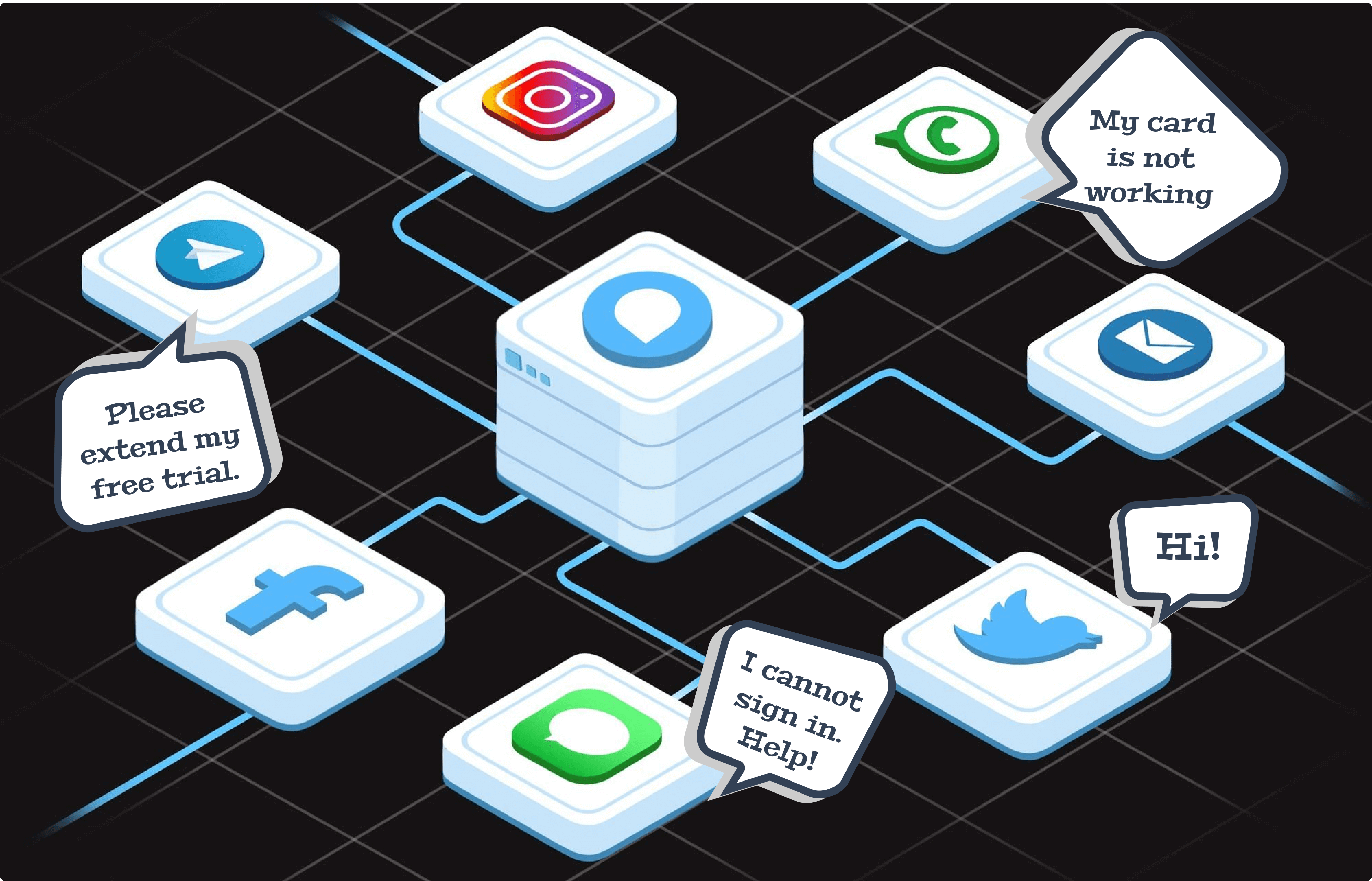
Imagine having all your customer conversations - from emails, social media, WhatsApp, and website chat - in one simple dashboard. That's exactly what VowChat does for you! No more jumping between different apps to respond to customers.
Understanding Channels
Think of channels as different doors through which your customers can reach you. These include:
-
Email support
-
Website live chat
-
Social media (Twitter, Instagram, Facebook)
-
Messaging apps (WhatsApp, Line, Telegram)
-
SMS
-
Chatbot
Quick Tip: In VowChat, we call each channel connection an "inbox" - just like your email inbox, but smarter!
How Does It Work?
Based on the channels you choose for your organization, your customers can contact you from any of them. When someone sends a message, it becomes a new conversation in VowChat, listed chronologically on your dashboard.

Creating Your First Conversation
Sign up for your free trial account to get started. We'll help you set up a website live chat channel.
Let's set up your website channel:
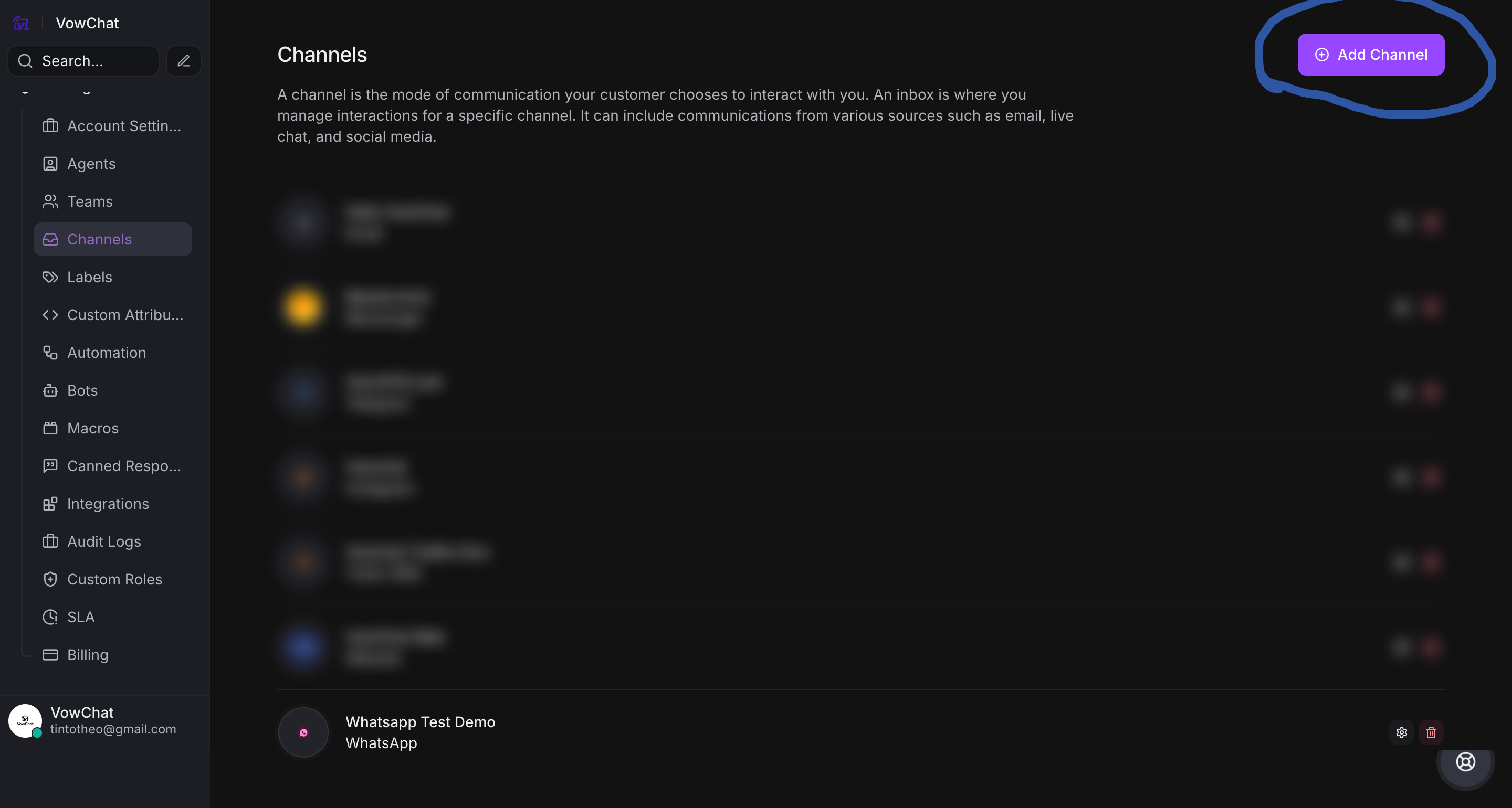
Step 1. Go to Settings → Channels → "Add Channel".
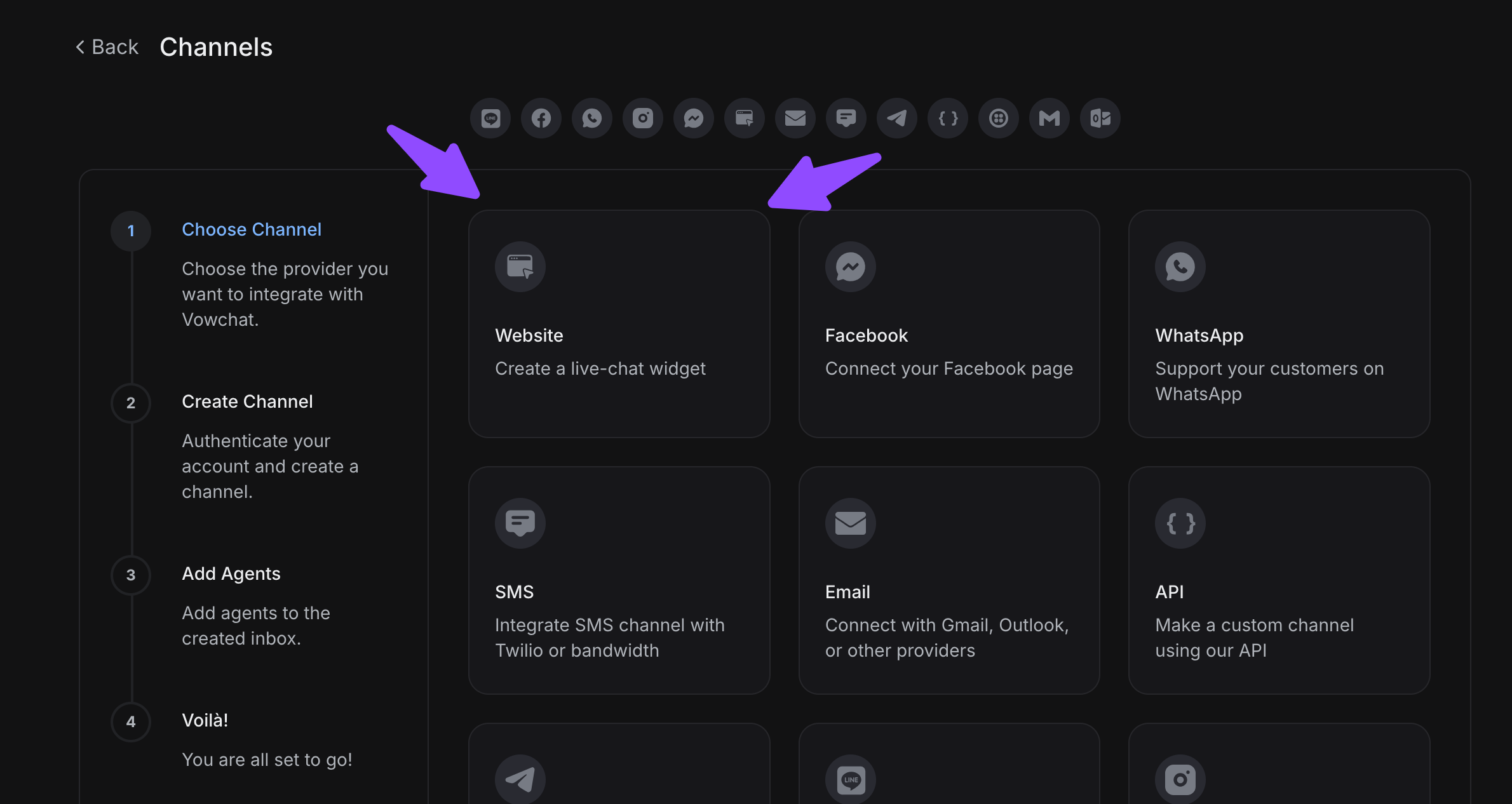
Step 2. Click on the "Website" icon.
Step 3. Fill in the fields you see on the screen and follow the setup wizard.
Step 4. Once configured, install the widget code on your website.
Step 5. Test it by sending a message from your website - it will appear in your VowChat dashboard!
Your First Reply
When a new conversation comes in:
-
Click on the conversation from your inbox
-
Read the customer's message
-
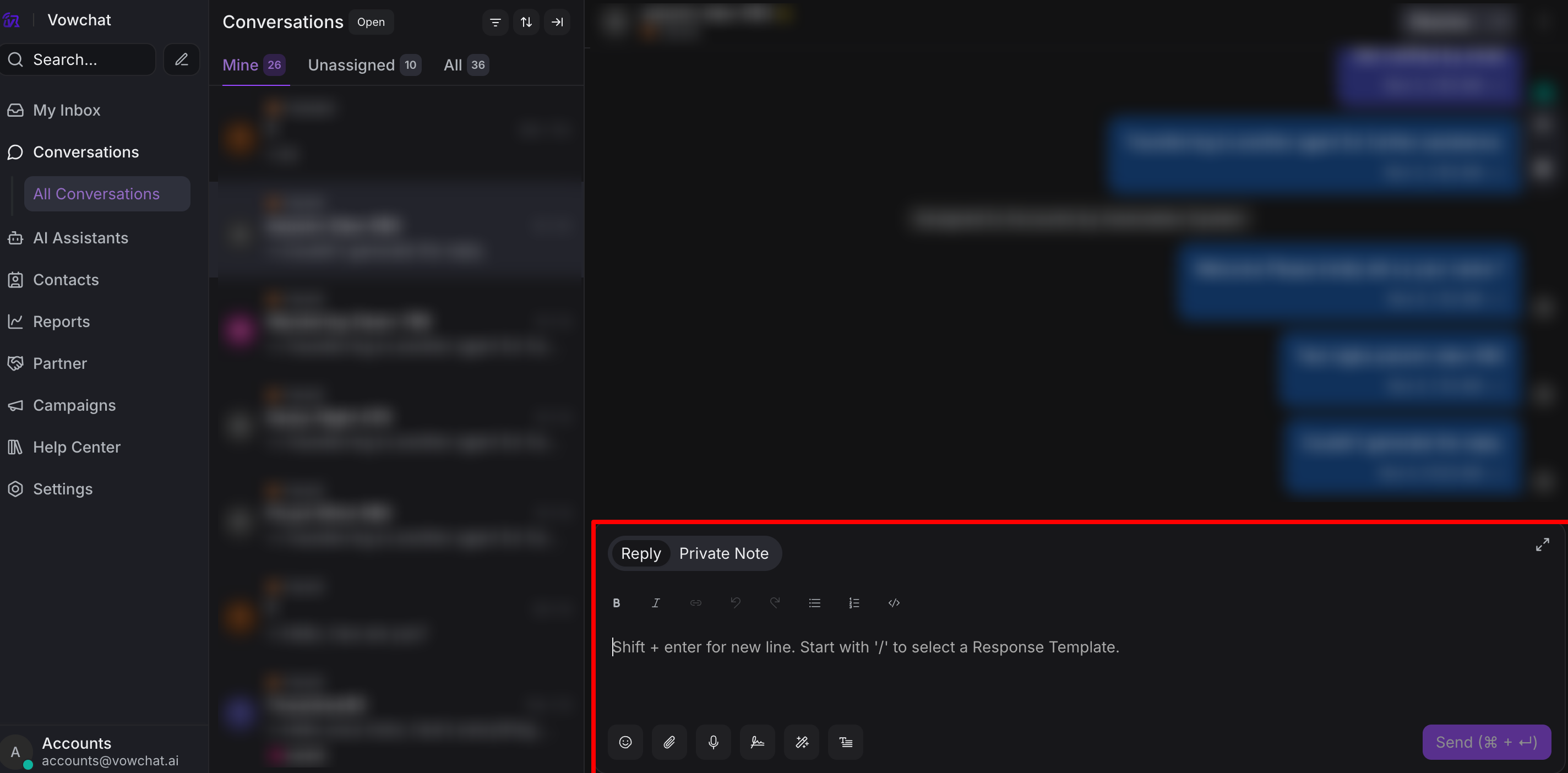
Type your reply in the message box
-
Hit Send or press Enter
Congratulations! You've just handled your first VowChat conversation! 🎉
What's Next?
Now that you know the basics, move on to Lesson 2 to learn about Dashboard Basics and more advanced features.