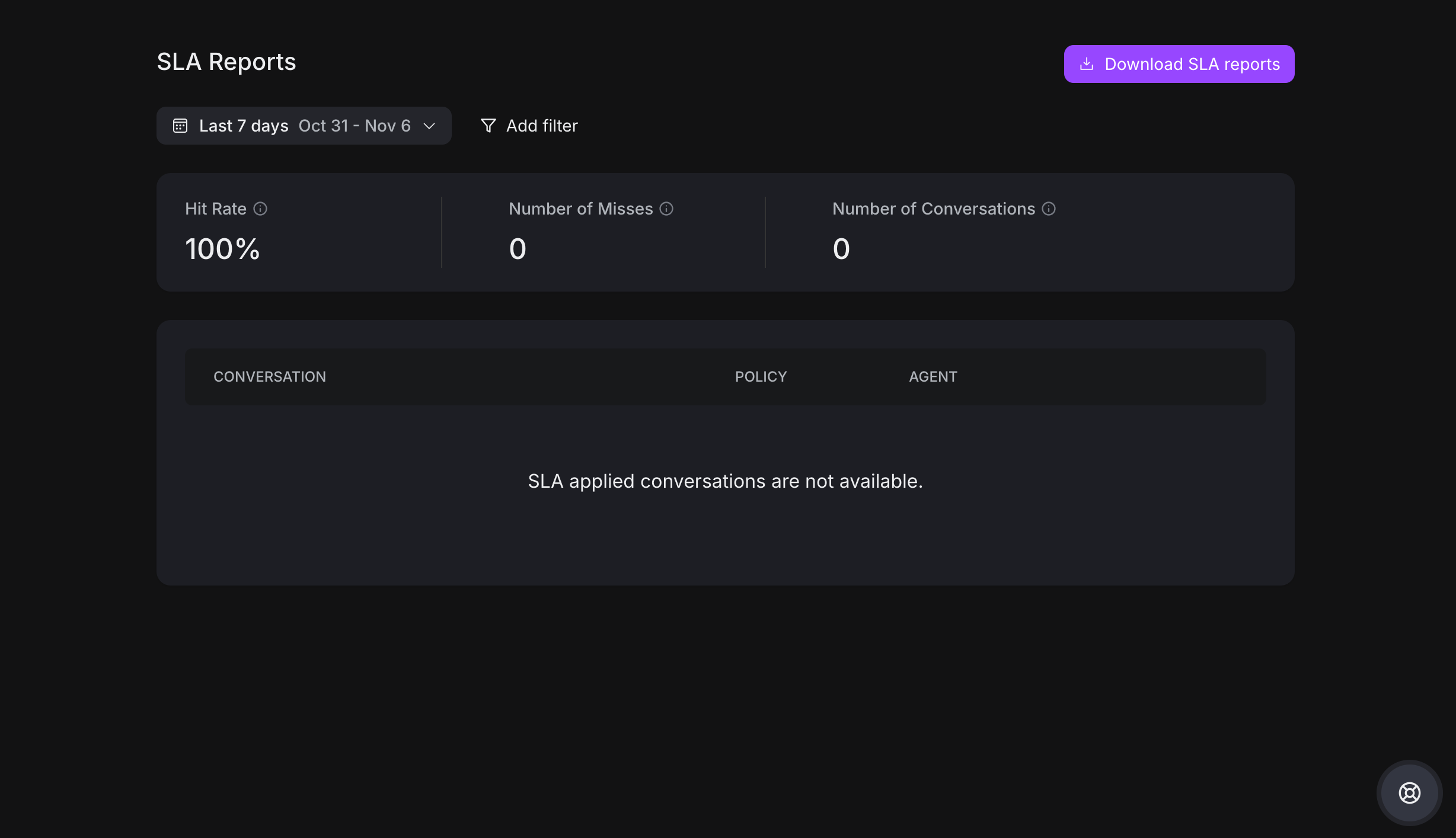
SLA reports provide an overview of team compliance on service agreements. The Hit Rate is the most important metric, measuring the percentage of SLAs successfully complied with. A higher hit rate indicates better compliance.
Filtering
You can filter the report based on the following attributes:
-
SLA Policy
-
Channel
-
Agent
-
Team
-
Label
These filters allow for a comprehensive analysis of conversation performance, helping track team and agent performance. Users can also filter by date to examine hit rates over time, such as quarterly performance tracking.
Conversation List
The conversation list displays the most recent SLA misses. By clicking the "View Details" button, managers can:
-
Review a timeline of SLA missed events
-
Triage conversations that consistently miss SLAs
-
Take action to ensure customers receive desired service within stipulated timeframes