How to read Overview Reports (realtime)?
Overview Reports provide real-time insights into account activity.
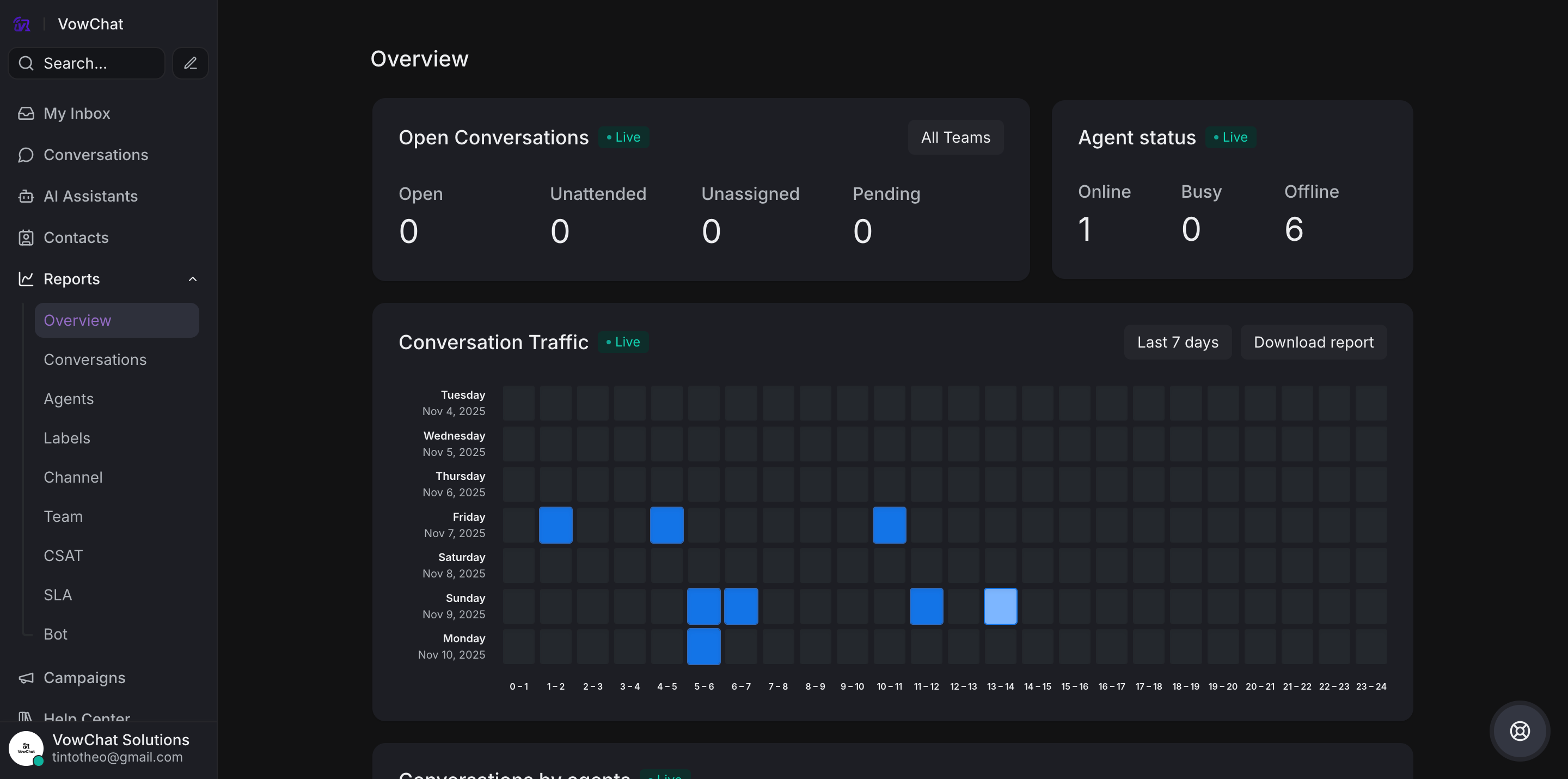
Access
Navigate to Reports → Overview
Key Metrics
1. Open Conversations
Shows ongoing customer interactions:
-
Open conversations
-
Unattended conversations
-
Unassigned conversations
2. Agent Status
Displays agent availability:
-
Online
-
Busy
-
Offline
3. Conversation Traffic
-
7-day heatmap showing busiest conversation times
-
Color-coded cells represent conversation volume
-
Hover for precise hourly conversation counts
4. Conversations by Agents
-
Tracks current conversations per agent
-
Helps monitor workload and performance
The overview provides a real-time update of what is happening in your account, giving managers instant visibility into customer support operations.