Agent Capacity
Agent Capacity is an Enterprise Edition feature designed to manage and limit the number of conversations assigned to support agents.
What is Agent Capacity?
A system to prevent agent overload by setting maximum conversation limits per agent, optimizing customer support performance for larger organizations.
Configuration
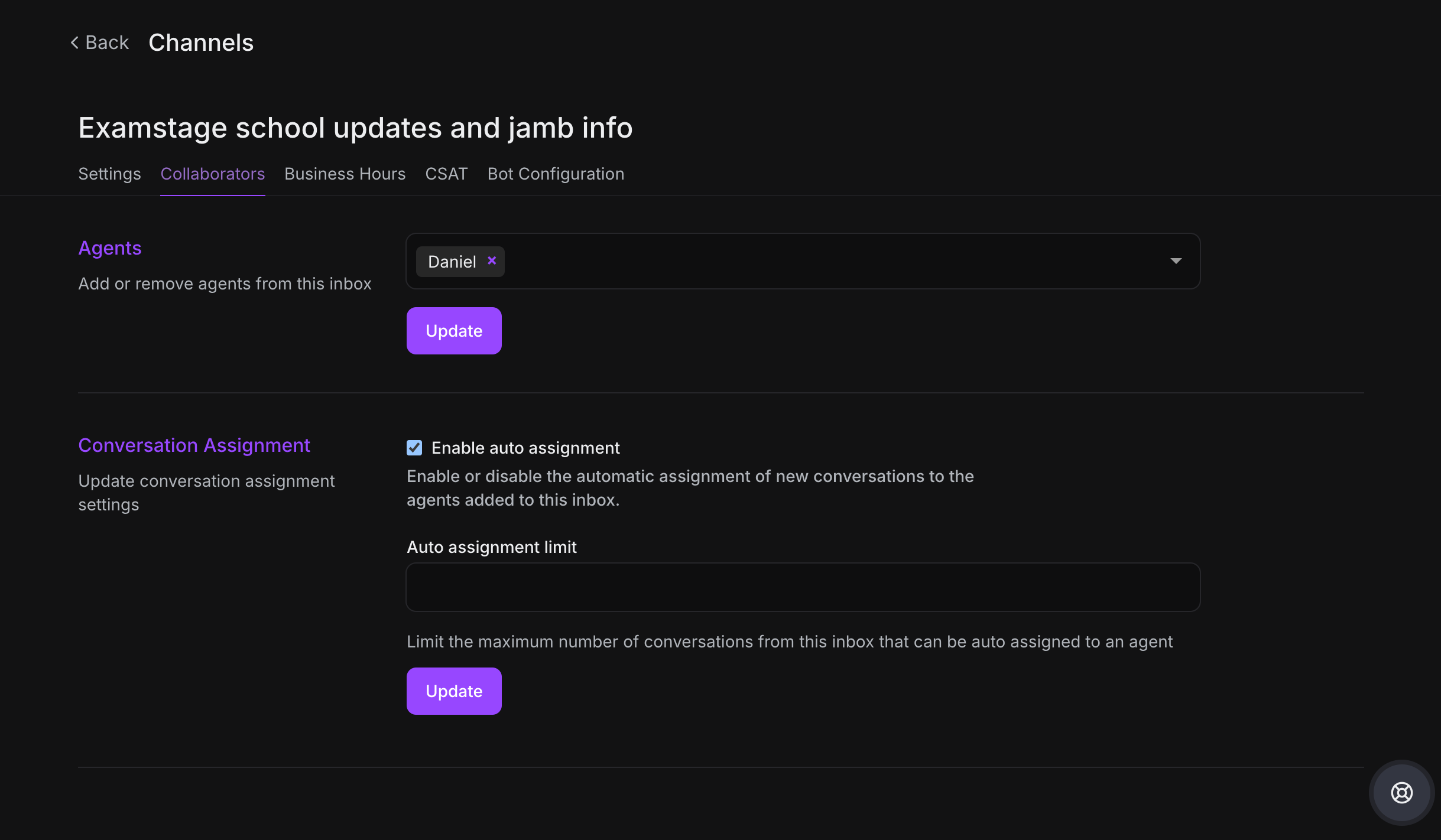
Step 1. Go to Settings → Agents
Step 2. Set conversation limits per agent
Step 3. Limits can be configured at the channel level
Different channels can have different capacity settings:
-
Live chat: 2-3 conversations
-
Email: 10-20 threads
-
Social media: 5-7 conversations
How It Works
-
Uses round-robin assignment system
-
When agents reach capacity, new conversations go to "Unassigned Queue"
-
Ensures agents aren't overwhelmed with excessive conversations
Benefits
-
Improve support efficiency
-
Maintain high-quality customer interactions
-
Provide flexible workload management
-
Prevent agent burnout
Configure agent capacity to optimize your team's performance and maintain service quality.