How to use Audit Logs?
An Enterprise feature that records account activities, answering the "four W's": Who, What, When, and Where.
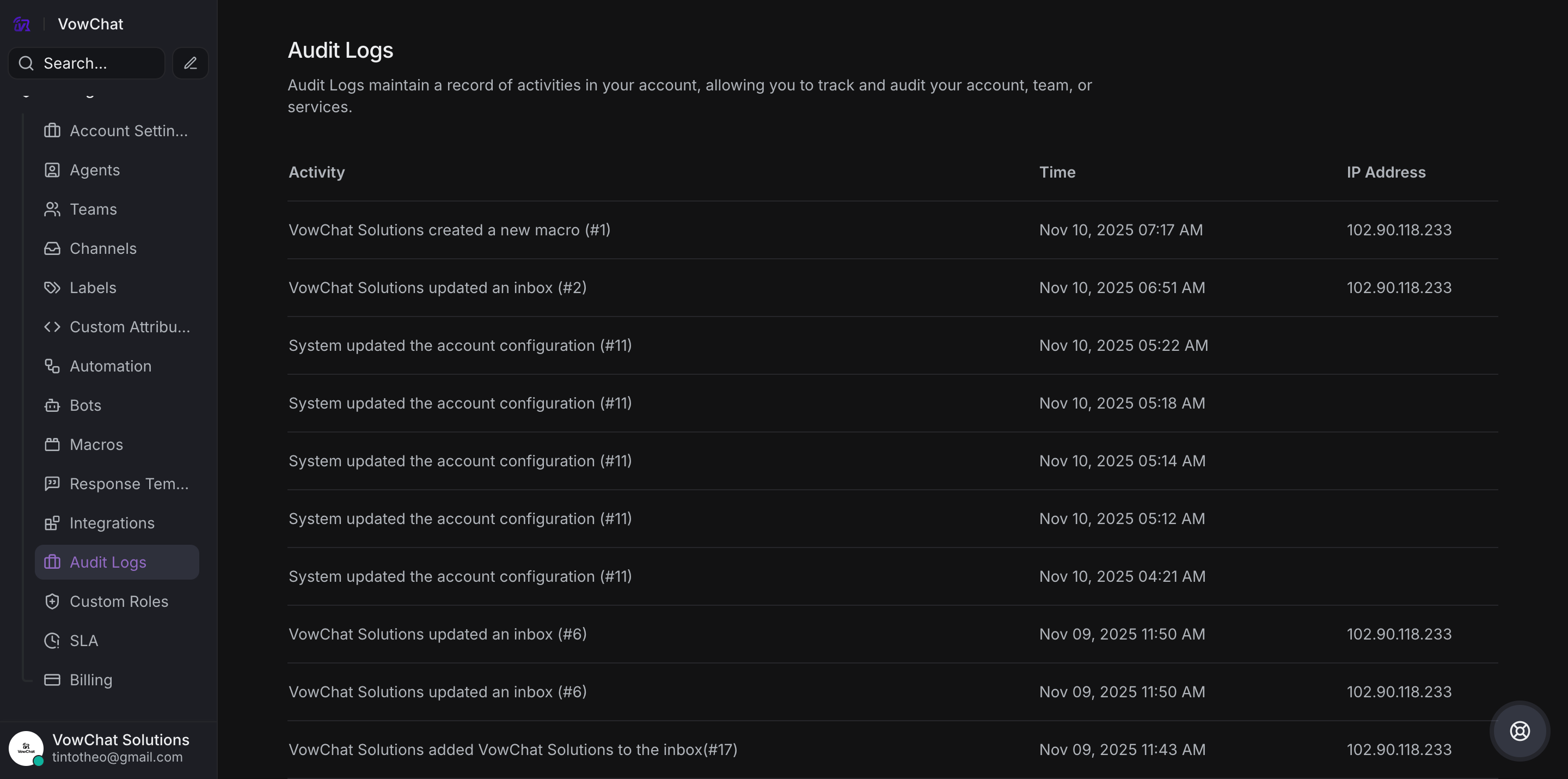
Access Audit Logs
Go to Settings → Audit Logs (Enterprise feature)
Tracked Activities
-
User activities (sign-ins, status changes)
-
Account configuration updates
-
Automation rule modifications
-
Macro changes
-
Channel management
-
Webhook adjustments
-
Team-related actions
Information Provided
Each log entry includes:
-
Activity description
-
Timestamp
-
IP address
-
User name/email
-
Specific identifiers (e.g., rule #, channel #)
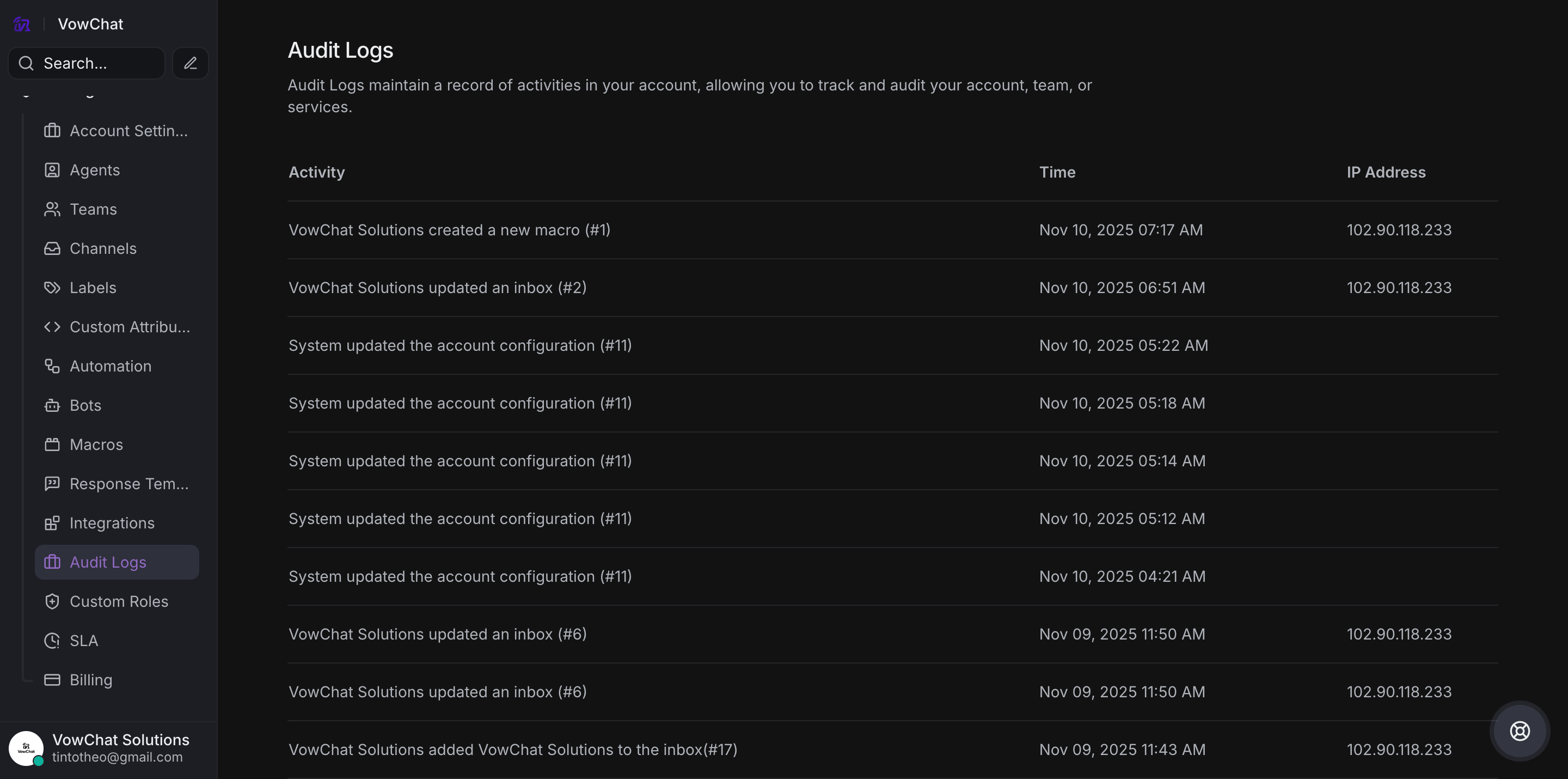
Benefits
-
Comprehensive tracking mechanism
-
Monitor account-level actions
-
Transparency and accountability
-
Security and compliance auditing
Pro Tip: Use "cmd/ctrl + F" to quickly search through log entries.
Audit logs provide visibility into all administrative activities on your VowChat account.