How to use template variables?
Template variables allow personalization of messages by inserting dynamic content for each recipient using double curly brackets {{ }}.
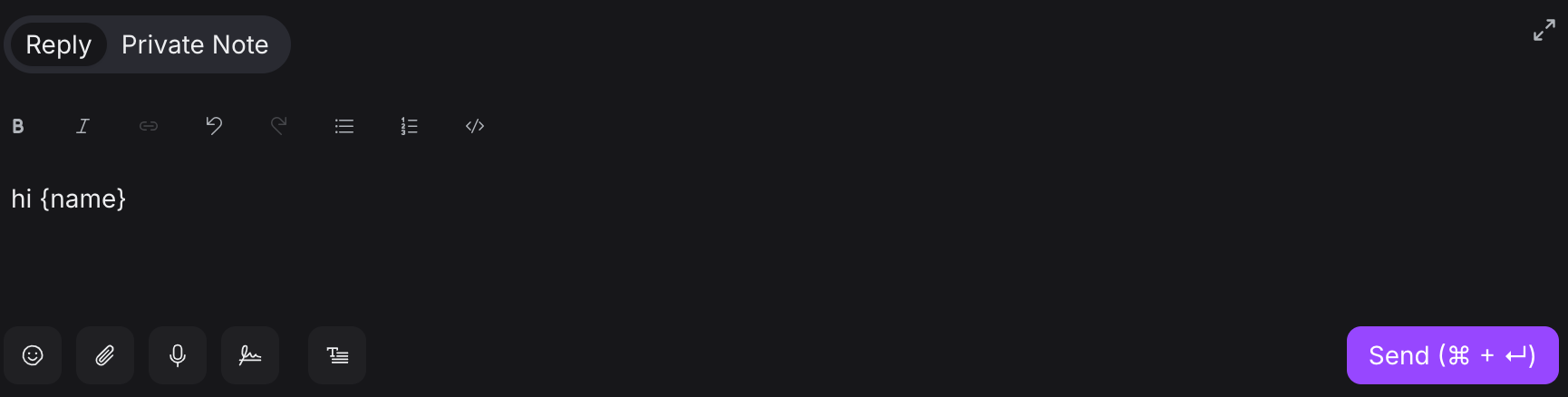
Example Usage
Hey {name}, how may I help you?
Becomes: "Hey John, how may I help you?"
Available Variables
Conversation
conversation.id
Contact
-
contact.id -
contact.name -
contact.first_name -
contact.last_name -
contact.phone_number -
contact.email
Agent
-
agent.name -
agent.first_name -
agent.last_name -
agent.phone_number
Where to Use
-
Messages
-
Response Templates (Canned responses)
-
Macros
-
Automation workflows
-
Campaigns
Fallback Option
Add fallback text if a variable is undefined:
{{ contact.first_name || 'there' }}
This displays "there" if the contact's first name is not available.
Use template variables to create personalized, dynamic communication with your customers.