How to create interactive messages?
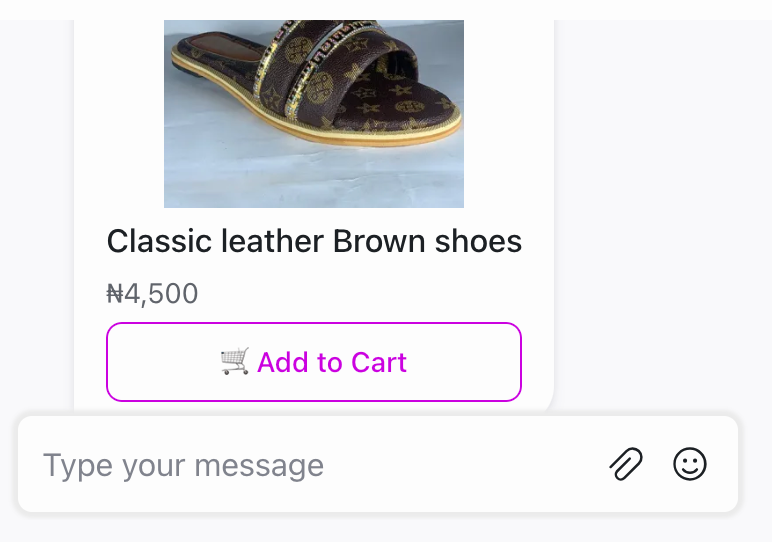
VowChat lets you create interactive message types like cards and forms inside your VowChat Web Widget using the APIs.
You can create these messages using the New Message API.
Payload Samples
Use the following payload samples as the values to create various interactive messages.
1. Options
{
    "content": "Select one of the items below",
    "content_type": "input_select",
    "content_attributes": {
        "items": [
            { "title": "Option1", "value": "Option 1" },
            { "title": "Option2", "value": "Option 2" }
        ]
    },
    "private":false
}
2. Form
Forms allow you to collect structured information from users with various field types including email, text, text area, select, and other input types.
3. Articles
Create article cards with titles, descriptions, and action buttons to guide users to resources.
For complete API documentation and additional interactive message types, refer to the VowChat API documentation.