CSAT (Customer Satisfaction) surveys allow customers to rate their support experience. VowChat enables these surveys automatically when a conversation is resolved, helping you measure and improve service quality.
Note: CSAT is disabled by default. You can enable CSAT surveys for any channel to let VowChat collect feedback.
How to Enable CSAT Surveys
Step 1. Navigate to Settings → Channels
Step 2. Click the gear icon next to the channel where you want to enable CSAT
Step 3. Go to the CSAT tab
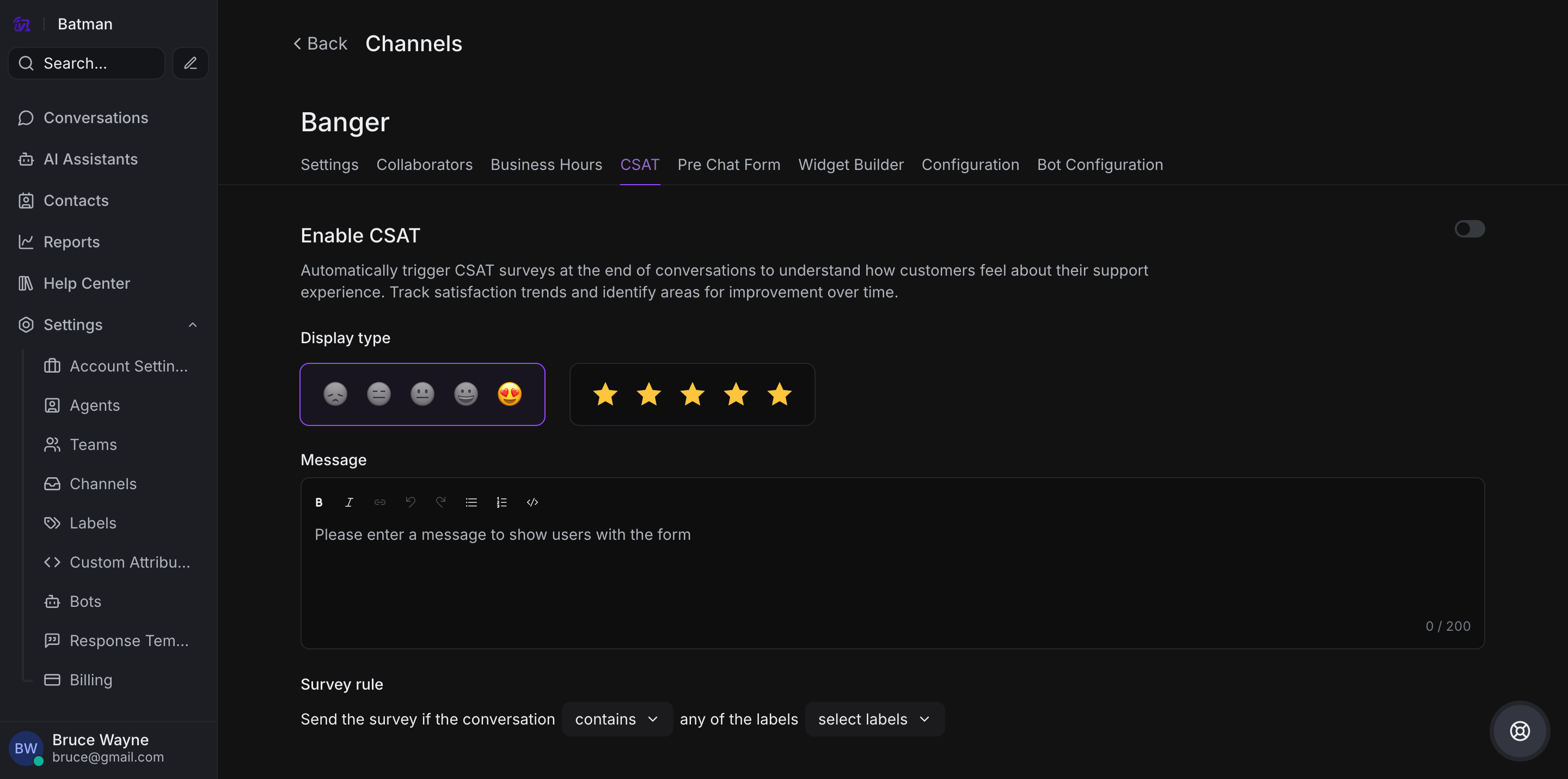
Step 4. Toggle Enable CSAT to Enabled
Step 5. Click Update to save the settings
Customization Options
Display Types
VowChat offers two CSAT display types:
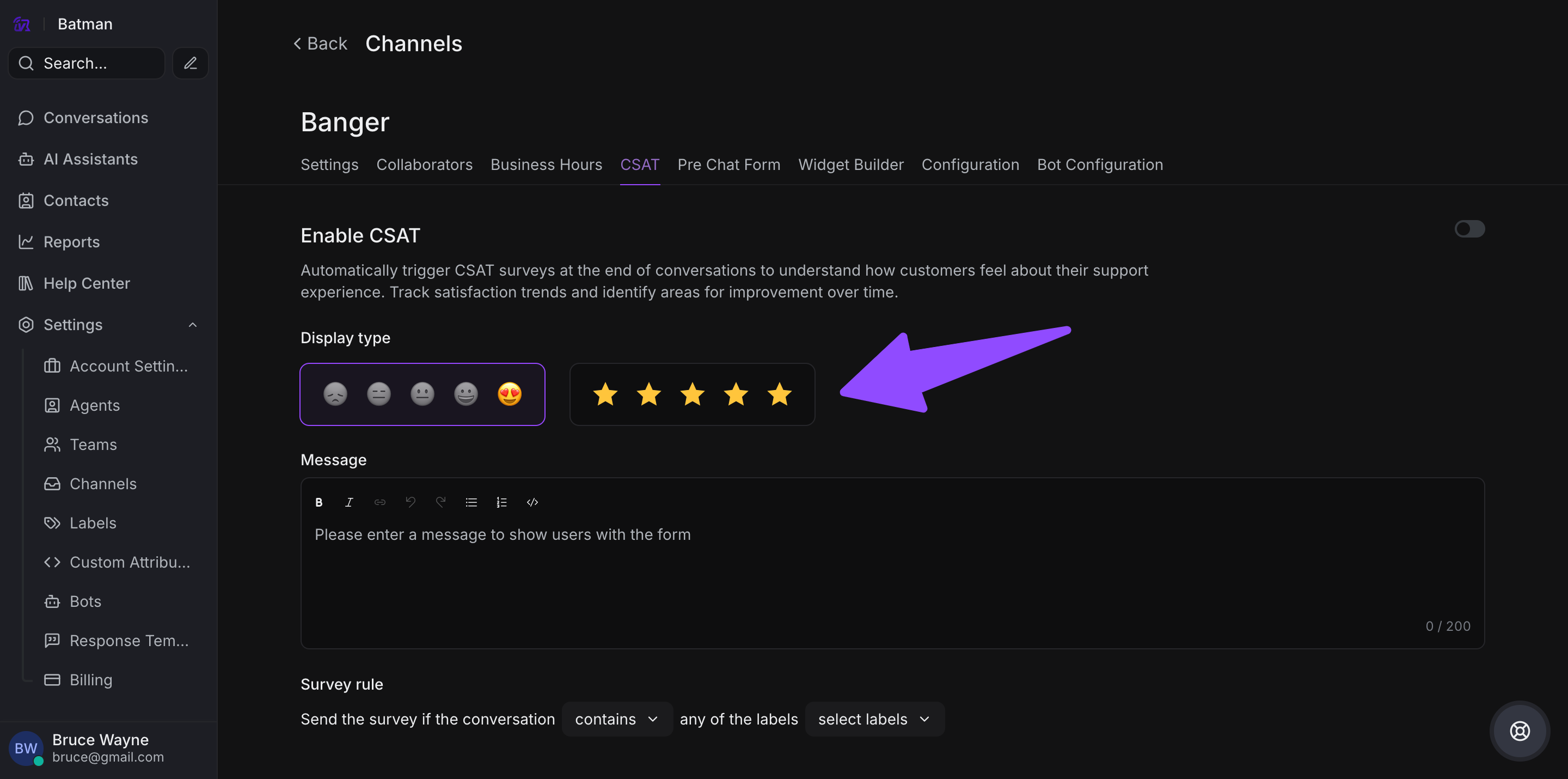
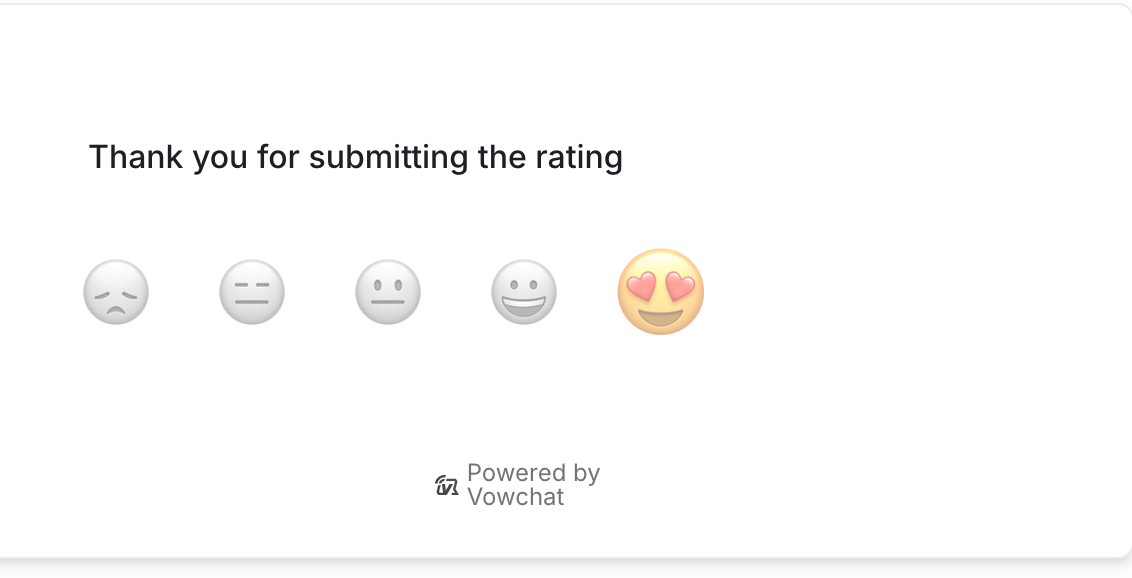
1. Emoji Scale
Customers rate their experience using emoji reactions.
Website Channel - Emoji Rating:
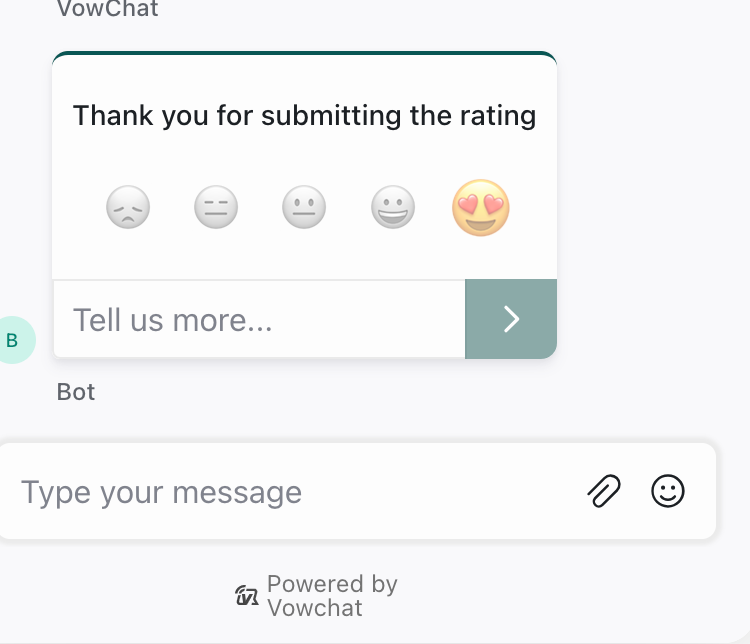
Other Channels - Emoji Initial State:
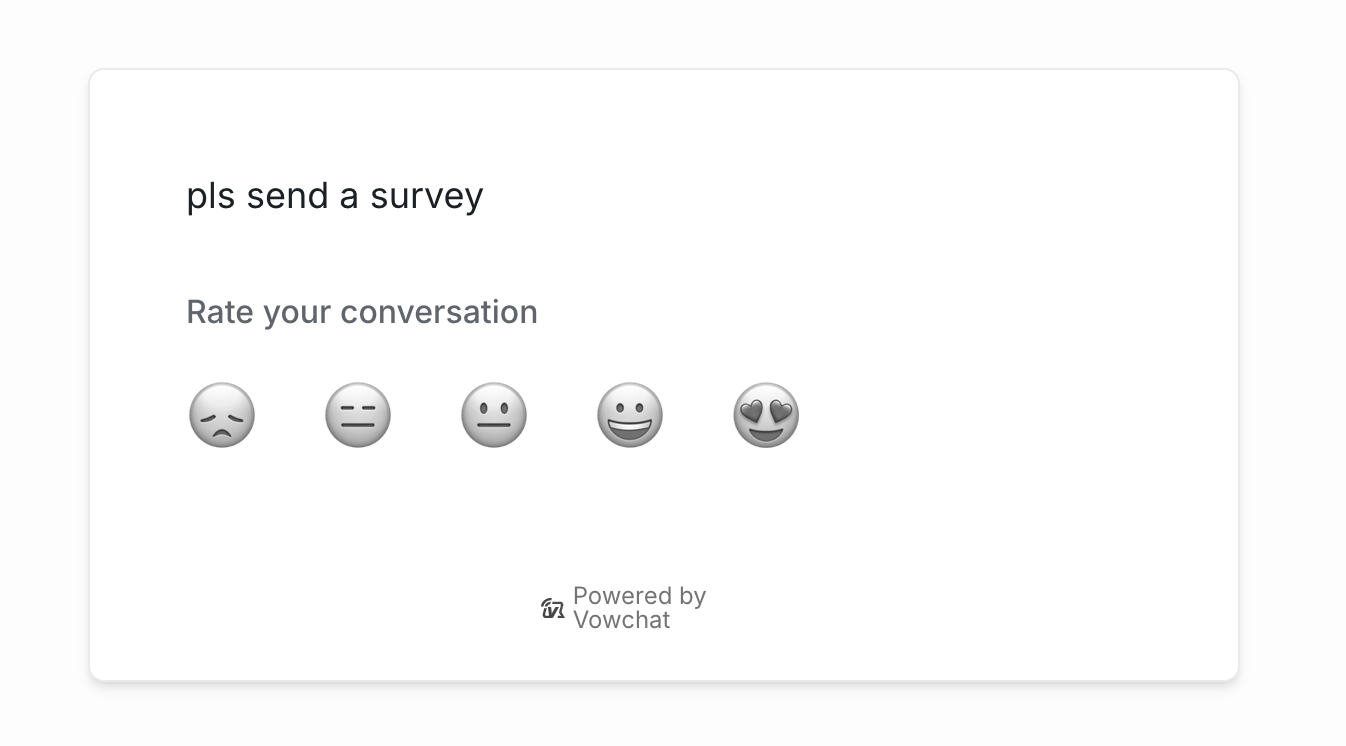
Other Channels - After Rating:
2. Star Rating
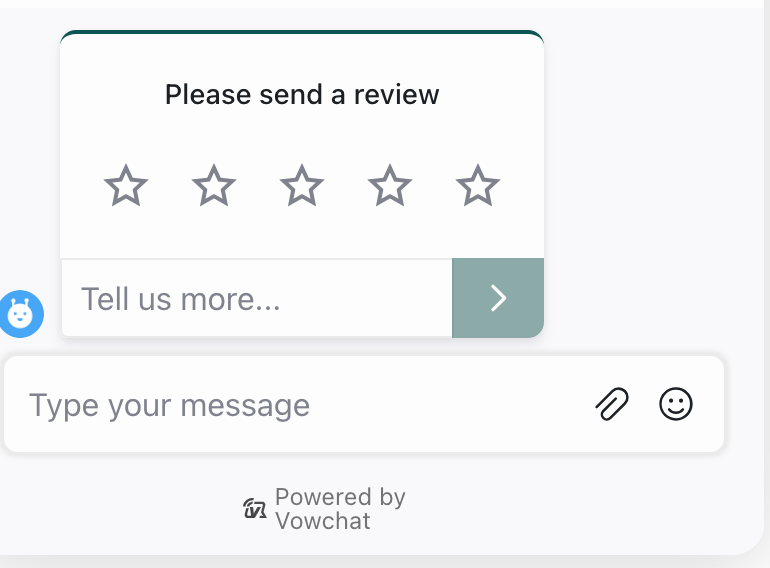
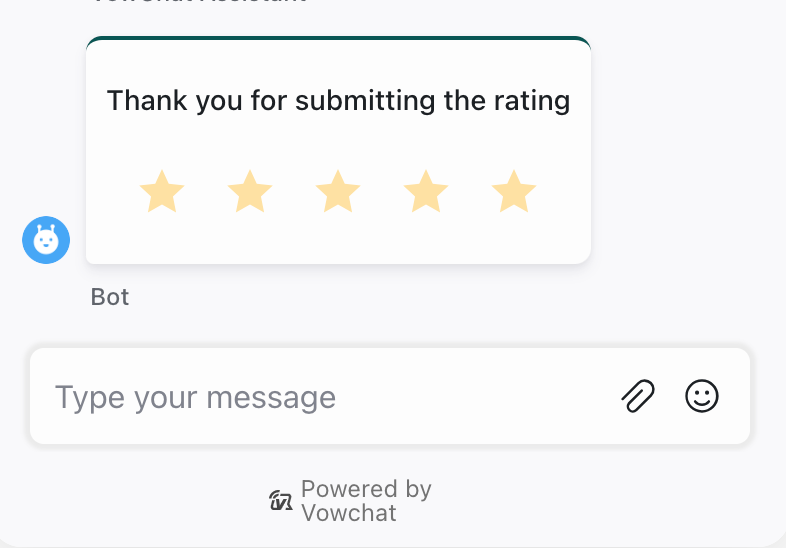
Customers rate their experience using a 1-5 star scale.
Website Channel - Star Rating:
Other Channels - After Rating:
Survey Message
Customize the message shown to customers when requesting feedback:
-
Maximum 200 characters
-
Personalize to match your brand voice
-
Example: "How would you rate your support experience?"
Survey Rules (Advanced)
You can configure CSAT surveys based on conversation labels:
-
Only send surveys for specific conversation types
-
Skip surveys for certain scenarios
-
Target feedback collection strategically
How CSAT Works
-
Agent resolves a conversation
-
VowChat automatically sends a CSAT survey to the customer
-
Customer rates their experience (emoji or stars)
-
Customer can optionally add feedback comments
-
Results appear in your CSAT Reports
Viewing CSAT Results
To view CSAT feedback:
-
Go to Reports → CSAT Reports
-
Filter by date range, channel, agent, or team
-
Analyze ratings and customer comments
-
Identify improvement opportunities
Best Practices
-
Enable for all channels: Get comprehensive feedback across touchpoints
-
Customize the message: Make it friendly and brand-appropriate
-
Review regularly: Check CSAT reports weekly to spot trends
-
Act on feedback: Address negative ratings and improve processes
-
Thank customers: Acknowledge and appreciate customer feedback