VowChat supports dark mode for the live-chat widget, allowing it to adapt to your customer's system preferences.
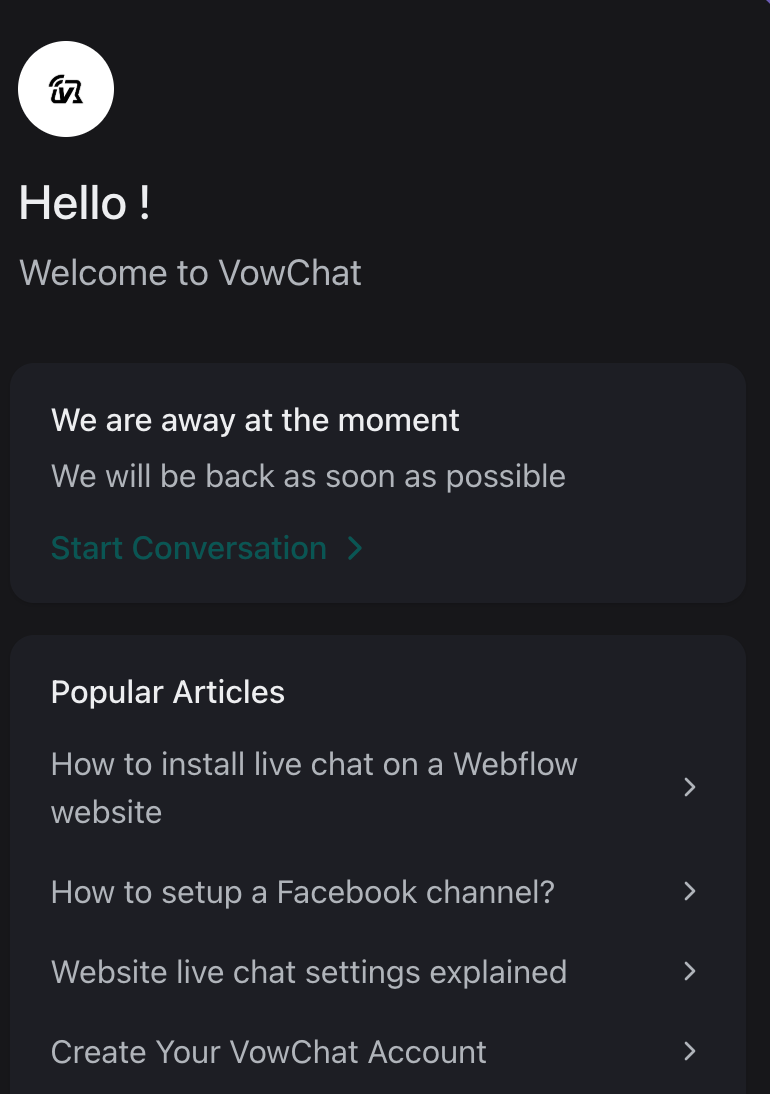
Enabling Dark Mode
Use the darkMode parameter in vowchatSettings to configure dark mode behavior:
window.vowchatSettings = {
  // ... other settings
  darkMode: "auto"
};
Supported Values
The darkMode parameter accepts two values:
light (default)
The widget will always use light mode, regardless of the user's system preference.
window.vowchatSettings = {
  darkMode: "light"
};
auto
The widget automatically switches between light and dark mode based on the user's operating system preference.
window.vowchatSettings = {
  darkMode: "auto"
};
Implementation Example
Here's a complete example of enabling auto dark mode:
<script>
  (function(d,t) {
    var BASE_URL="https://app.vowchat.ai";
    var g=d.createElement(t),s=d.getElementsByTagName(t)[0];
    g.src=BASE_URL+"/packs/js/sdk.js";
    g.defer = true;
    g.async = true;
    s.parentNode.insertBefore(g,s);
    g.onload=function(){
      window.vowchatSettings = {
        hideMessageBubble: false,
        position: 'right',
        locale: 'en',
        darkMode: 'auto' // Enable auto dark mode
      };

      window.vowchatSDK.run({
        websiteToken: 'your_website_token_here',
        baseUrl: BASE_URL
      })
    }
  })(document,"script");
</script>
Note
Currently, a dark-only mode is not supported. This feature will be added in future releases. For now, use auto to provide the best experience for users who prefer dark mode.