VowChat enables customers to continue chat conversations via email threads, ensuring no conversation is lost even when customers leave the chat.
When Email Continuity Works
Email continuity is available in two scenarios:
-
No agents are available to respond immediately
-
Customer leaves the chat before an agent can reply
In both cases, if the customer's email address is known, they can receive conversation updates via email and reply directly to continue the conversation.
How to Collect Customer Email
There are three methods to collect customer email addresses:
Method 1: VowChat SDK
Use the setUser method in your website code:
window.$vowchat.setUser("USER_IDENTIFIER", {
  email: "customer@example.com",
  name: "Customer Name"
});
Method 2: Pre-chat Form
Enable the pre-chat form to collect email before the conversation starts.
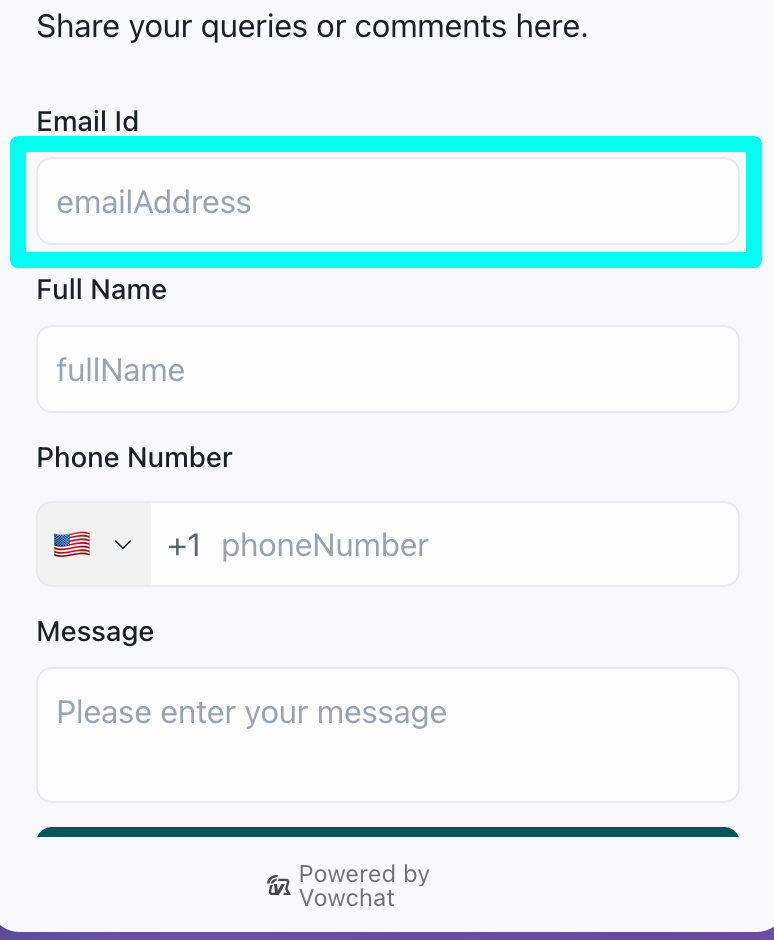
Customers must provide their email address before they can start chatting.
Method 3: Email Collect Prompt
VowChat automatically prompts customers for their email if it's not already known.
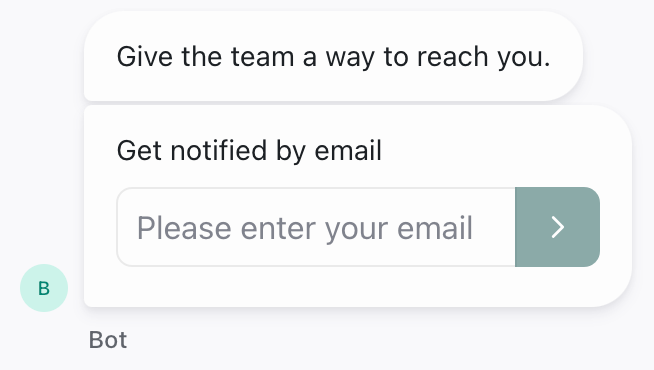
This prompt appears when a customer engages in a conversation without a known email address.
How Email Continuity Works
Once a customer's email is collected:
-
The conversation continues in VowChat
-
If the customer leaves, they receive an email with the conversation summary
-
The customer can reply to the email
-
Their email reply appears in your VowChat dashboard
-
Agents can respond from VowChat, and the customer receives updates via email
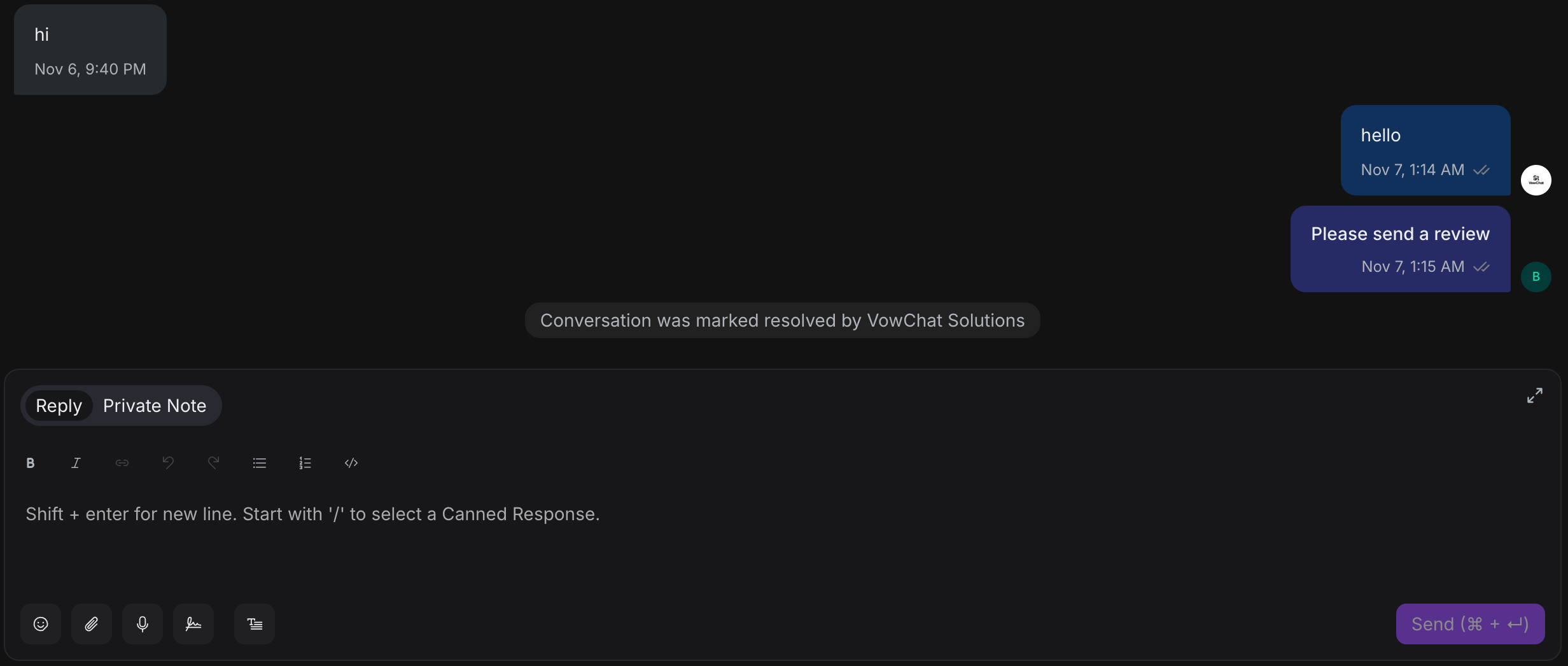
The email icon next to a message indicates it was sent via email.
Requirements
-
The contact must have an email address in VowChat CRM
-
Email address can be collected through SDK, pre-chat form, or email prompt
Benefits of Email Continuity
-
No lost conversations: Customers can continue even after leaving the chat
-
Flexible communication: Customers choose their preferred channel (chat or email)
-
Better support experience: Agents maintain context across channels
-
Asynchronous support: No need for both parties to be online simultaneously